
Viasat Satellite Network
Viasat’s geostationary network delivers reliable and stable satellite connectivity for remote IoT applications.
In May 2023, Viasat purchased Inmarsat; the combined company operates over 19 satellites in Ka-, L- and S-bands; we’re most interested in what was the Inmarsat L-band service, as this is the best radio frequency for IoT applications. It’s the network upon which NB-NTN, IoT Nano (OGx), IoT Pro (BGAN M2M) and the Go-anywhere Pro (BGAN) service depends.
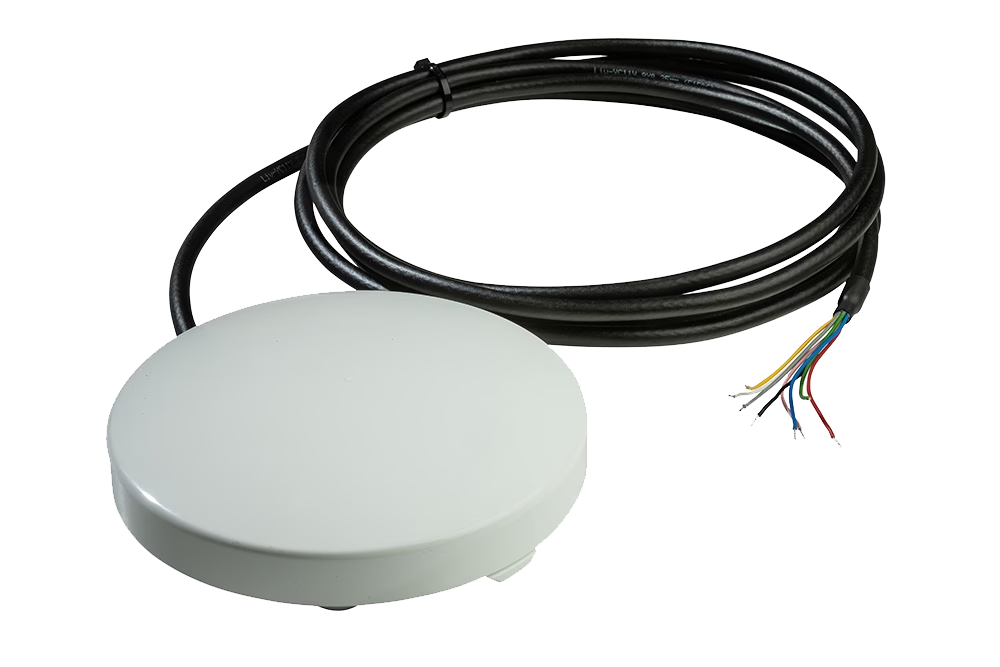
New: Viasat NB-NTN
Viasat is in the process of launching a standards-based service utilizing NB-IoT. We anticipate that this service will be available in Q1 2027.
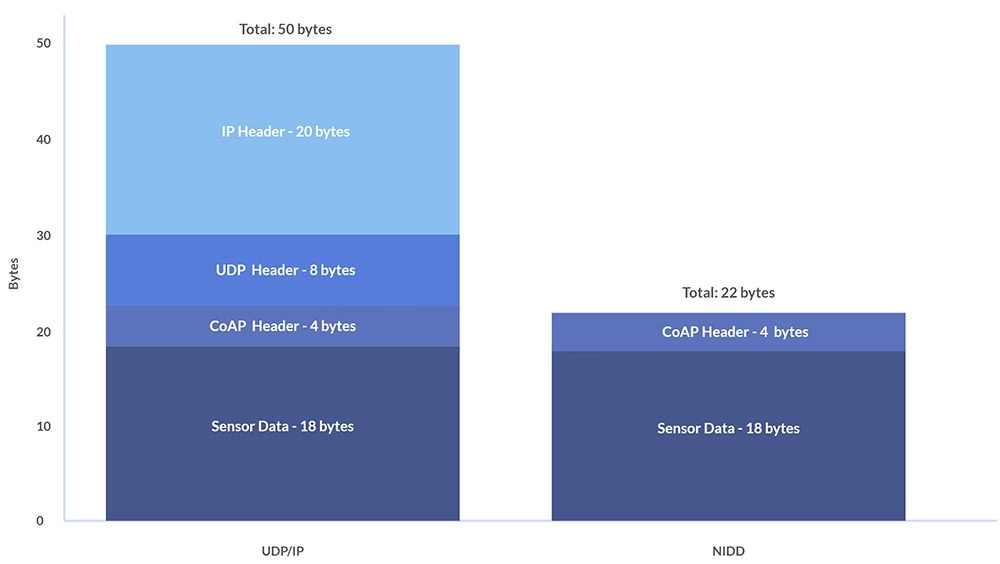
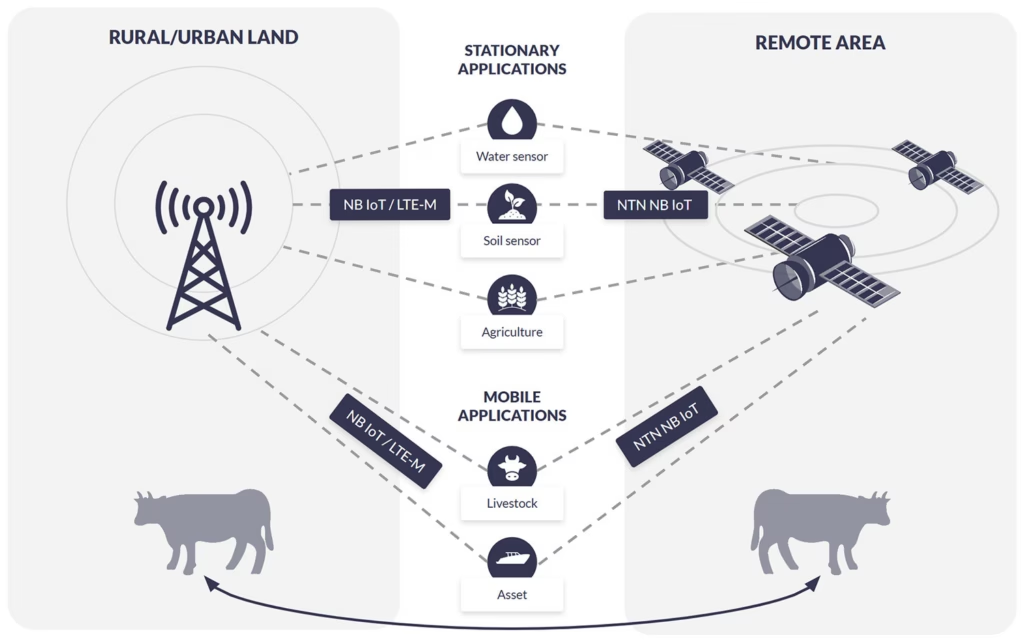
Variously known as standards-based, NTN, and D2D, this new service is based around cellular standards which have been adapted to allow data to travel over satellite using the same protocols. It promises easier integration, lower hardware costs, and for very small volumes of data, lower airtime rates.
It’s important to stress that the NB-NTN service isn’t currently global; coverage is available over North America, Brazil, Australia, New Zealand, and parts of Europe.
RockBLOCK RTU houses the new Viasat NB-NTN SIM; we’re currently testing this, and looking for beta test partners whose application might suit this technology. Please get in touch if it’s of interest.
More About Viasat NB-NTNIoT Nano Devices (OGx)
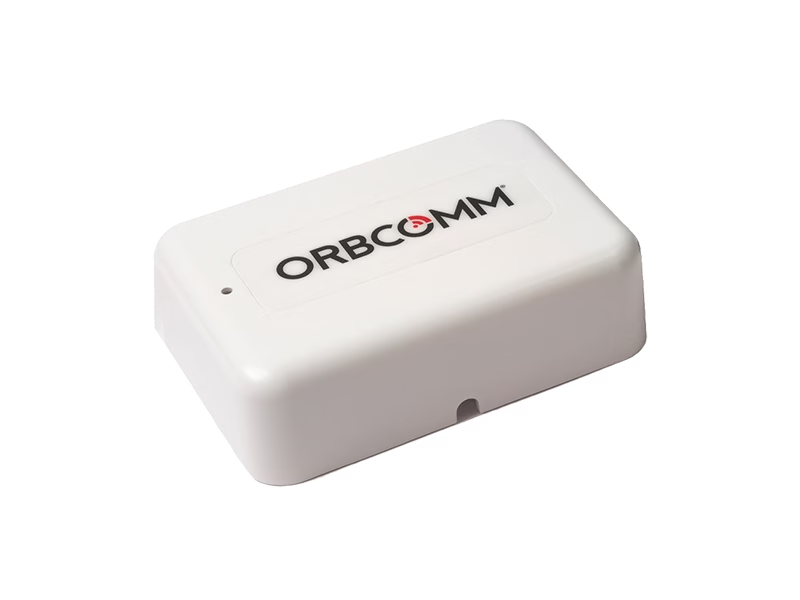
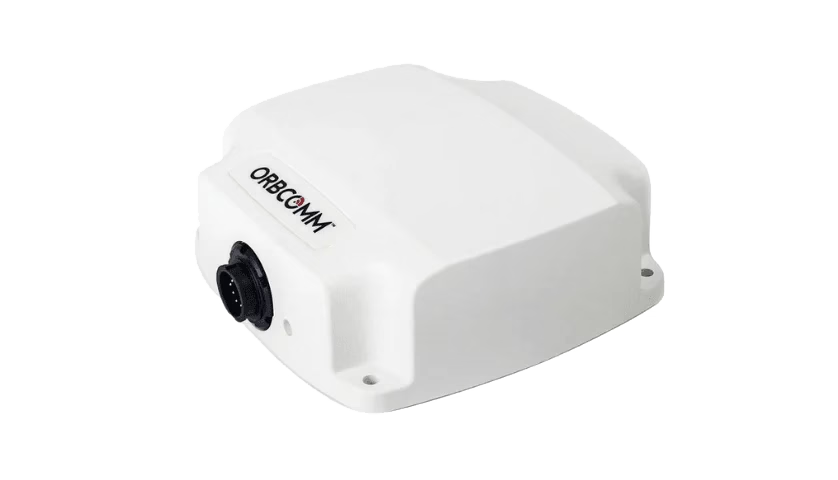
IoT Nano is a message-based service intended for IoT applications. Messaging – packet-based transmissions – is an extremely cost-effective way to use the space segment. With IoT Nano you can send 6,400 bytes, and receive 10,000 bytes per message. The latency is low – 15-60 seconds depending on the message size – and as IoT Nano uses licensed L-band radio frequency, the service is both highly reliable and weather-resistant.
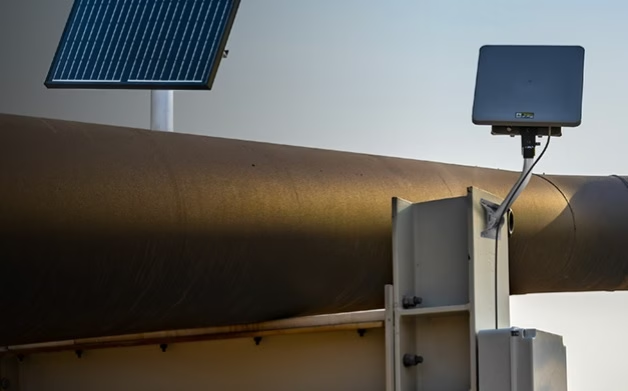
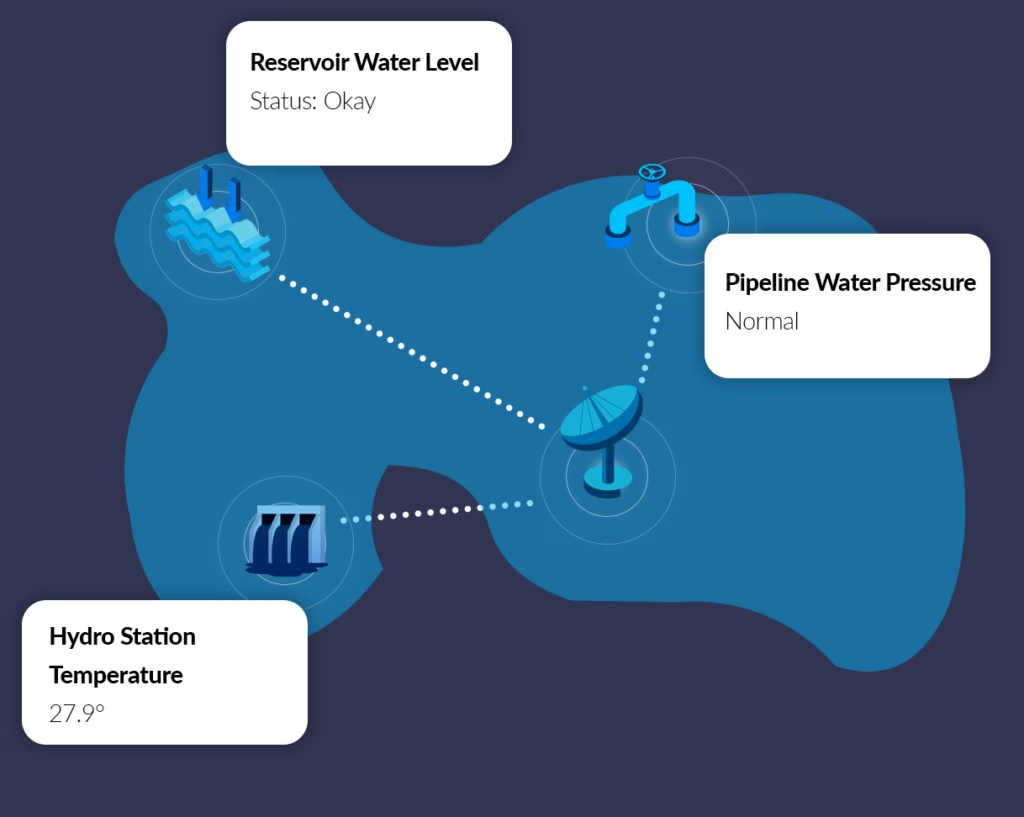
These modems can be use to transmit sensor data, but also to control remote applications. They’re used most frequently to monitor and manage assets in Agriculture, Mining, Oil & Gas and Utilities.
See All IoT Nano Devices
IoT Pro Devices (BGAN M2M) Devices
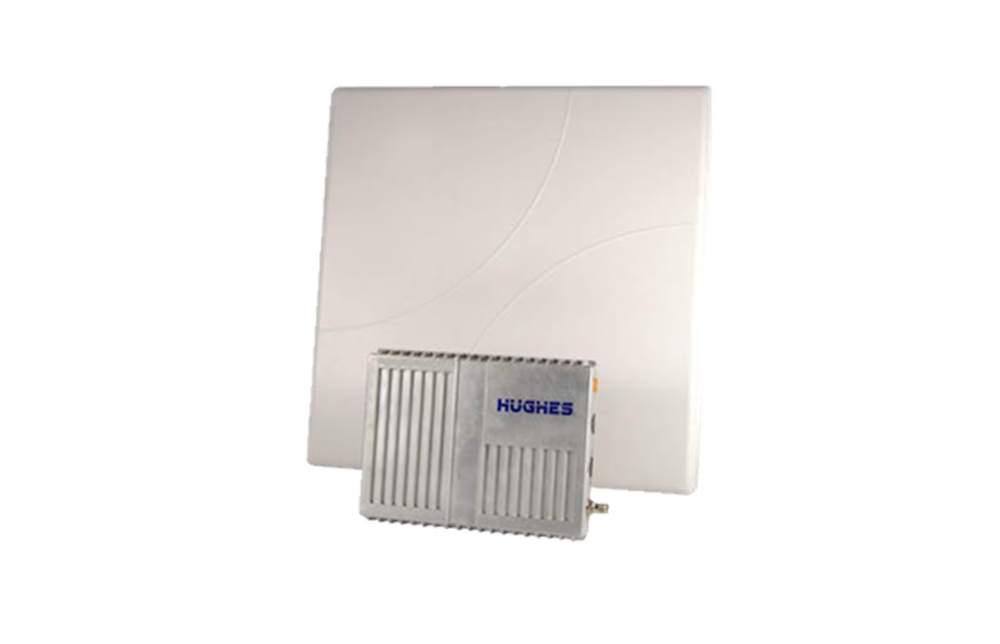
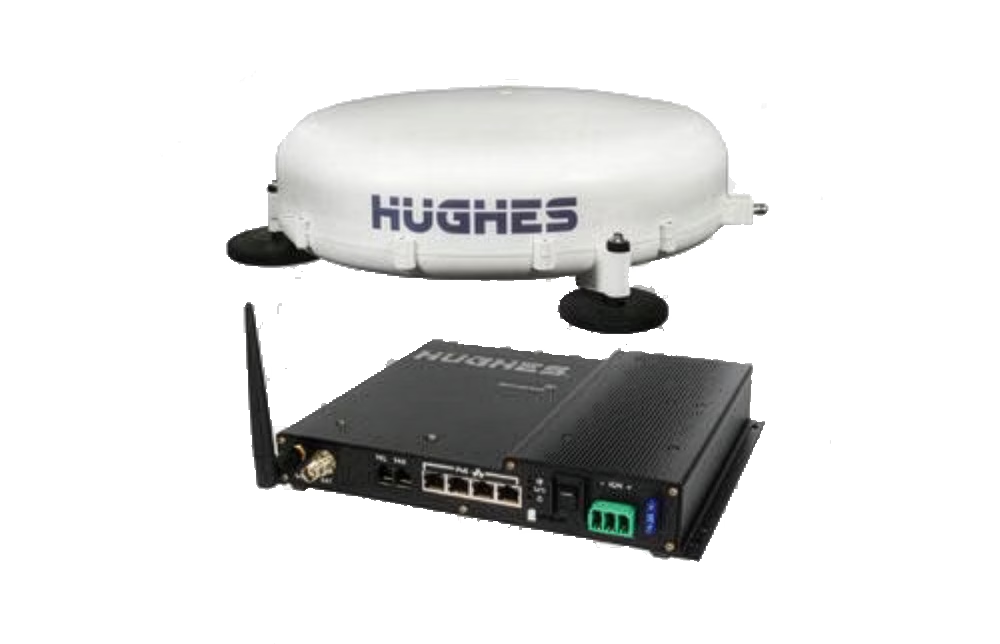
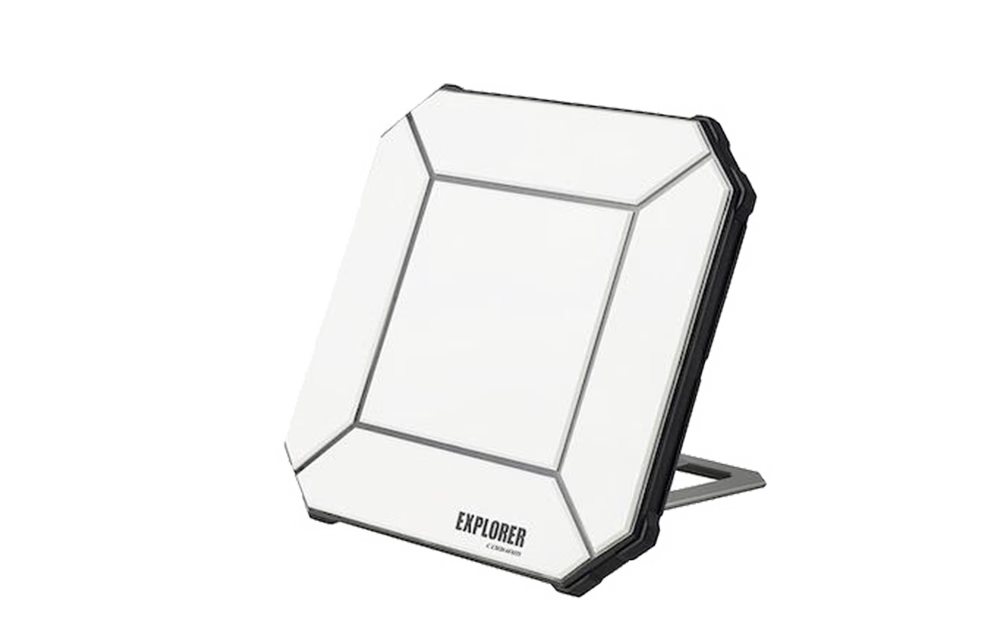
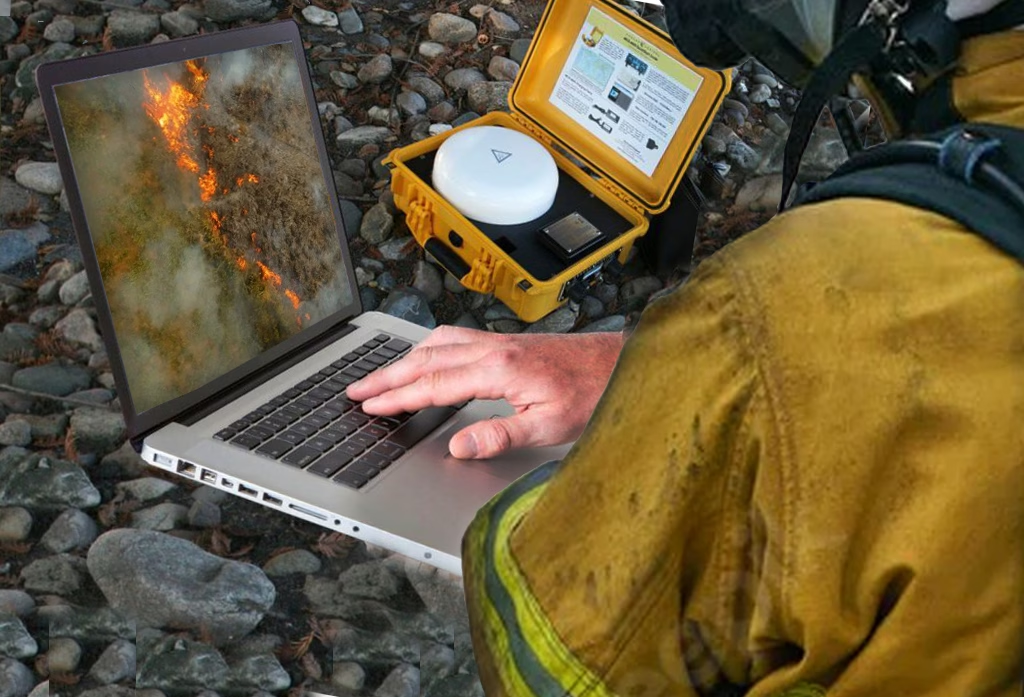
IoT Pro terminals include the Hughes 9502, the Explorer 540, and the Cobham Explorer 323 terminal.
Monitor or control to any remote valve, pump, ATM, traffic light, credit card terminal, moving truck or vehicle, or any other device for full-time connectivity from anywhere on the globe – all with a very low monthly subscription fee.
See All IoT Pro Devices
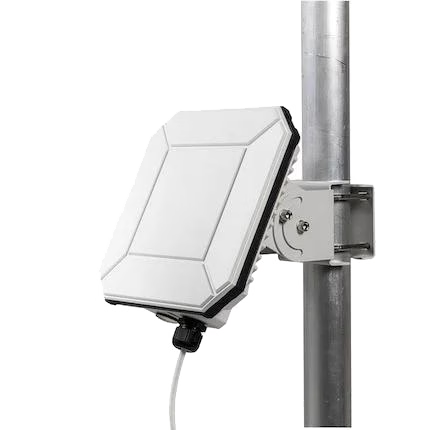

Go-anywhere Pro Devices (BGAN)
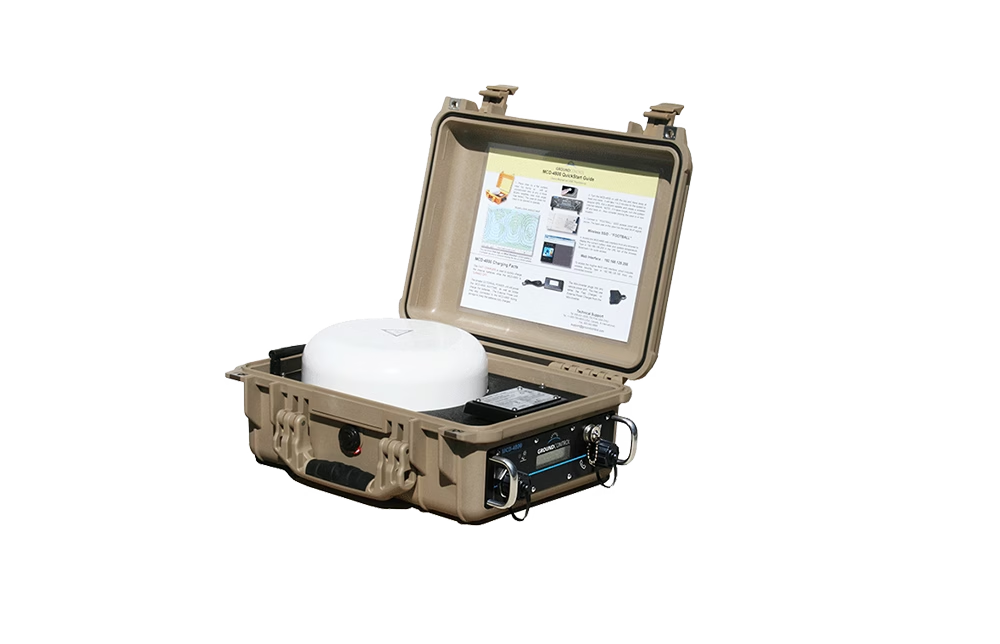
Connect any laptop, smartphone or any wireless device to a Go-anywhere Pro portable satellite terminal for Internet and phone from anywhere on the planet. Go-anywhere Pro terminals are small enough to fit inside of a laptop case yet deliver usable Internet speeds of up to 492 Kilobits per second.
Go-anywhere Pro is the hands-down winner for carry-portable global high-speed Internet and ease of operation by anyone.
See All Go-anywhere Pro Devices
More About Viasat
Viasat’s IoT network is in geostationary orbit, some 35,786 km (22,236 miles) above Earth. They have almost global coverage, with only the far north and south latitudes not covered. It is a stable, well established satellite network that’s trusted by Aviation, Government, Infrastructure and Maritime organizations to deliver their data securely.
Viasat’s network is also being leveraged by telecommunication companies like Skylo and Myriota to deliver Non-Terrestrial Network (NTN) NB-IoT services, enabling low-power, wide-area connectivity for IoT devices in remote regions. Viasat is also working on its own NB-IoT service, called IoT Direct. This is expected to unlock new applications for satellite IoT connectivity, as the cost of both hardware and airtime is expected to be lower.
View Live Coverage Map

Viasat’s Data Security Measures
Viasat applies defense-grade cybersecurity to its commercial IoT and critical infrastructure networks through real-time monitoring, AI-driven threat detection, encrypted data transmission, and strict access controls. Their Security Operations Center (SOC) ensures rapid incident response, while compliance measures protect data integrity.
For high-throughput industrial IoT, Viasat secures remote assets with encrypted VPNs, log management, and advanced monitoring. Their Cybersecurity Operations Center (CSOC) protects satellites and ground stations from cyber threats, ensuring end-to-end security for mission-critical data.





Need any help selecting the right hardware and airtime?
If you’re not sure which airtime service or device is best for your requirements, please email hello@groundcontrol.com, or complete the form.
We have been working with Iridium as gold-tier partners since 2005, and our customer use cases range from polar exploration to prescription-delivering drones, so we’re well placed to provide you with expert advice.