Ground Control Logo  
     Home  ► Products  ►  Satellite Phones   ►   Iridium AxcessPoint


Iridium AxcessPoint   Photos

Personal Hotspot
 
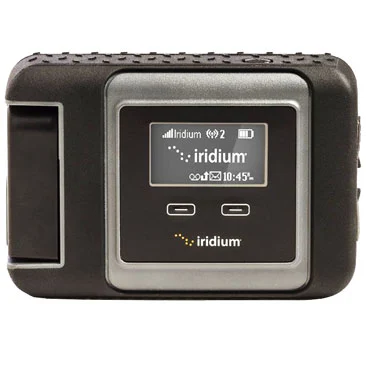
Iridium Axcesspoint Product Shot
 Iridium AxcessPoint Personal Hotspot
  SKU#: GCAXCESS
 Price: $149 USD

Visa - Mastercard - Paypal

The Iridium AxcessPoint
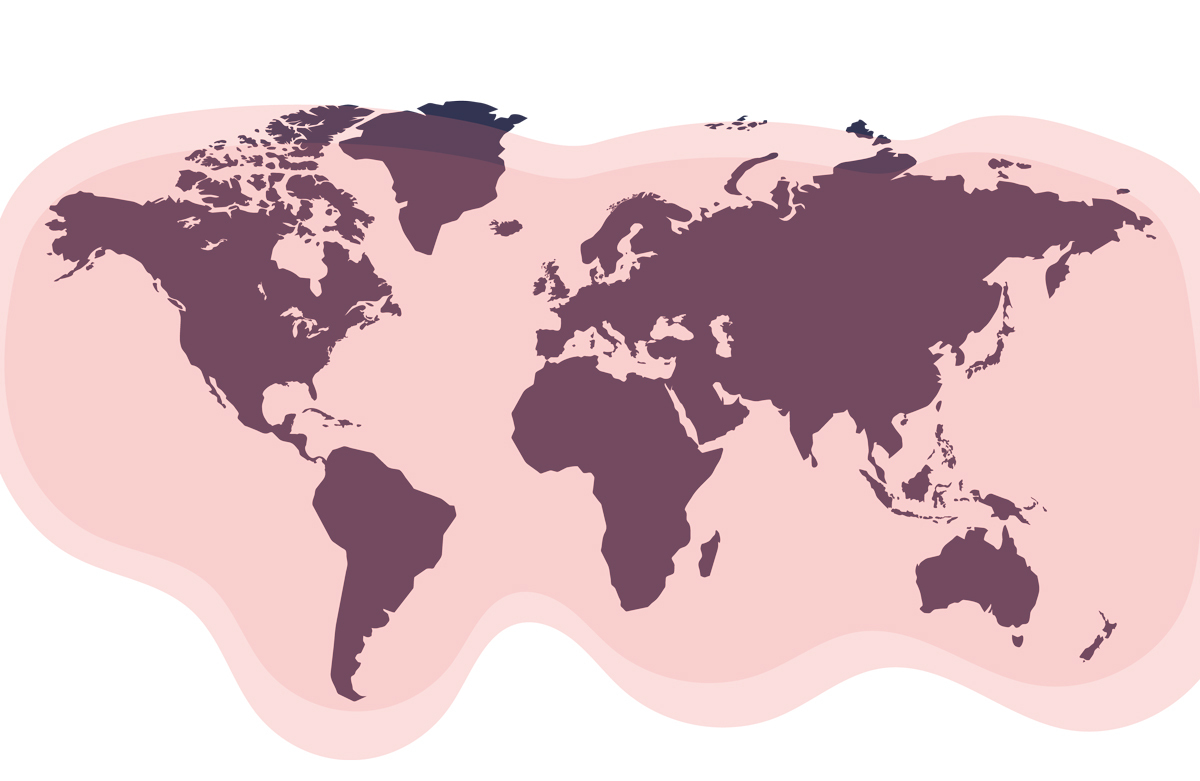
connects to the Iridium Extreme or Iridium 9555 satellite phones and provides a low-speed Internet connection anywhere the sky can be seen (it is 100% global). While Internet speeds are very slow (2.5 Kbps without compression), this solution does provide a very portable, easy to use global Internet connection. It also is a personal wireless hotspot for any in-range wireless capable device up to 100 feet, such as smartphones for texting, and email.


Plug-And-Play Functionality
Once the Iridium AxcessPoint is connected to the Iridium phone (via the included USB cable), it will automatically establish an Internet connection, no muss, no fuss. Connect smartphones, laptops, tablets, and send emails using the Wi-Fi access through the Iridium network connection. The transfer speed is over the Iridium network is 2.5 Kbps uncompressed. However, faster speeds of 25 to 27Kbps are only available with applications that offer web-acceleration compression, such as the Mail and Web applications from Iridium.


AxcessPoint Usages Charges
With Ground Control, you may connect to our data service at no cost other than the per-minute rate of a standard phone call.

Iridium AxcessPoint Devices Connect

Using the AxcessPoint Device
The Iridium AxcessPoint device must be used in conjunction with an Iridium satellite phone (Iridium 9555 or Iridium Extreme), and requires an active satellite phone subscription with data service, (data service is free from Ground Control). Prior to connecting the AxcessPoint, turn on your Iridium phone in an open area and ensure it is registered with good signal strength. Once your Iridium AxcessPoint is connected to the Iridium phone (via the included USB cable) and turned on, it will automatically establish an Internet connection. You can wirelessly connect your smartphones and send emails using Wi-Fi access and your Iridium connection.

AxcessPoint Features
  • Plug-And-Play functionality – users simply connect their Iridium AxcessPoint via USB cable to an Iridium 9555 or Extreme 9575 handset, which automatically establishes a data session without additional setup required.
  • Small, light and portable – Iridium AxcessPoint offers a Wi-Fi range of 60 to 100 feet. Without being confined to one stationary position, users are able to move around, or stay indoors comfortably while checking texts and emails.
  • Multiple connections – Iridium AxcessPoint can connect smartphones like iPhones, Blackberries, and Android devices, along with laptops and iPads for light emailing and light web browsing. While multiple devices can connect simultaneously to the AxcessPoint, we recommend that only one device use the low-speed connection at any given time.
AxcessPoint General Specifications
  • Model: PHS300IC
  • Dimensions:  4.7” x 2.8” x .8” (122 mm x 73 mm x 18.5 mm)
  • Certifications: FCC, CE, IC, Wi-Fi
  • Operating Temp: 32° to 122° F (0° C to 50° C)
  • Compatible Phones - Iridium Extreme and Iridium 9555
  • AxcessPoint Mail & Web Applications

Search Ground Control


Questions?  800-773-7168 (U.S.)  |  805-783-4600  |  sales@groundcontrol.com
  AxcessPoint Hotspot connected to Iridium Extreme 9575   Multiple Users Connecting To AxcessPoint Iridium Hotspot  
  The AxcessPoint Hotspot easily connects to the data-port of the mini-cradle on for the Extreme 9575, or the side of the 9555.   The AxcessPoint Hotspot will allow both the Extreme 9575 and the Iridium 9555 to create a wireless hotspot for laptops, tablets, and smartphones.  
  Iridium Axcesspoint Unboxing   Iridium AxcessPoint Included Items  
  The Iridium Axcesspoint Unboxed.   Contents of the Axcesspoint are quick start guide, AC-DC power with international plugs for recharging, Li-Ion battery, a short USB cable, and the Axcesspoint device.  
  Iridium Axcesspoint Side View   Iridium Axcesspoint Front View  
  The side view of the Axcesspoint has 2 ports and an on and off button. The DC-IN port is used only for recharging of the onboard Li-Ion battery.   The front view of the Iridium Axcesspoint device. LED lights shows Power, Network Connection and Wireless LAN.  
  Axcesspoint Display Showing Data Call   AxcessPoint In Car Moving Hotspot  
  Once the axcesspoint it plugged in, it automatically establishes a connection to the Internet and creates a wireless hotspot that any device can connect to.   The AxcessPoint is ideal for in-motion low-speed Internet connectivity. Use the mag-mount antenna (included with phone) that affixes easily to any vehicle or truck roof.  
  Iridium Extreme 9575 - Iridium 9555  
  Bookmark and Share

 
Home | Webmail | User Login | Subscriber Agreement | Privacy Policy | Links | Contact
© Copyright © 2002-2012 Ground Control All Rights Reserved